Style & Theme Color Settings
Configure primary accent colors, dark navy typography tones, header topbar, and brand highlights across the entire website.
Select from pre-configured harmonic palettes or customize each color independently below.
Main highlight color for action buttons (Admission), icons, active nav links, and brand decorations.
#e11d48 (Rose Pink)
Dark navy tone used for institution brand text, main headings, and dark contrast elements.
#0f172a (Deep Navy)
Background color for the top contact & social bar across the top of the header.
#0f172a
Background color for the animated rotating badge (CADET SCHOOL ⇄ & COLLEGE ⇄ CADET COLLEGE).
#e11d48
Highlight color for the institution slogan subtitle in header & footer.
#e11d48
Main background color for the dark footer widget area.
#0c141d
Header & Logo Customization
Control logo display mode, emblem icon options, buttons, and navigation elements.
Choose between the modern animated typographic badge logo or an uploaded graphic image logo.

Choose between the Graduation Cap icon, an uploaded institutional crest/seal emblem, or disable.
 Current custom crest active.
Main institution founder or header name.
3 sliding strings inside the red rounded animated pill badge.
Small slogan text displayed directly under the logo title.
Quick contact details displayed at the top left.
The prominent highlighted button on the right side of the main menu.
হেডারে সার্চ আইকন প্রদর্শন বা বন্ধ করার অপশন। মেইন মেনুতে পর্যাপ্ত জায়গা পেতে 'বন্ধ রাখুন' নির্বাচন করুন।
Institution Identity & Government Codes
Official school identity, bilingual naming, EIIN and School Board codes.
Official registered English name.
Official registered institution name in Bengali.
Government Educational Institution Identification Number (TopBar Rotator).
Education Board Registered School Code (TopBar Rotator).
Typography & Font Settings
Font configuration for multilingual rendering across Bangla and English content.
Universal Bengali font loaded sitewide via high-performance CDN.
Modern sans-serif typography used for navigation and headers.
Faculty / Teachers Section & Directory
Enable/disable the teachers carousel on the homepage, customize the title, and manage faculty profiles.
Primary heading displayed above the faculty carousel.
Word in title highlighted with secondary theme color (e.g. "Faculty").
Short subtitle displayed below the faculty title.
Add New Faculty Member (নতুন শিক্ষক যোগ করুন)
Current Faculty Members (মোট শিক্ষক: 8)
Click Edit to modify teacher info or photo| Photo | Name | Designation | Department | Action | |
|---|---|---|---|---|---|

|
সামিয়া আক্তার | সহকারী শিক্ষক | Bangla & Literature | samia@school.edu.bd | |

|
রায়হান | সহকারী শিক্ষক | English Language | rayhan@school.edu.bd | |

|
আদিল মাহমুদ | সহকারী শিক্ষক | Mathematics & Science | adil@school.edu.bd | |

|
শামীমা আক্তার | প্রধান শিক্ষক | Administration | shamima@school.edu.bd | |
|
|
Ms. Isabella Zhang | Senior Lecturer & Lead Designer | Design & Multimedia | i.zhang@studypro-edu.com | |
|
|
Dr. Ethan Reynolds | Associate Professor | Engineering & Robotics | e.reynolds@studypro-edu.com | |
|
|
Prof. Sophia Martinez | Dean of Business Faculty | Business & Management | s.martinez@studypro-edu.com | |
|
|
Dr. Alexander Wright | Professor & Head of CS | Computer Science & AI | a.wright@studypro-edu.com |
Events & Academic Notices Settings
Enable/disable the two-column Events and Notice board section, customize titles, and manage events and notices.
Title and highlighted word for the left Events column.
Title and highlighted word for the right Notice Board column.
Add New Event (নতুন ইভেন্ট)
-
বিশ্বজয়ী হাফেজ জাকারিয়াকে এমপি মাসুদের সংবর্ধনা Dec 01, 2026 | Advanced Innovation Lab & Tech Center
-
Annual AI & Robotics Hackathon Championship Sep 30, 2026 | Advanced Innovation Lab & Tech Center
-
International Educational & Career Expo 2026 Sep 17, 2026 | Main Auditorium, SAMCSC Campus
Publish Academic Notice (নতুন নোটিশ)
-
URGENT Spring 2026 Semester Admission Deadline Extended to March 15 Sep 03, 2026
-
Publication of Mid-Term Examination Schedule & Room Allocations Aug 31, 2026
-
সভা সংক্রান্ত নোটিশ Dec 25, 2025
-
পরিবারের বিশেষ অনুষ্ঠানের নোটিশ Dec 25, 2025
-
অফিস সংক্রান্ত নোটিশ Dec 25, 2025
-
প্রতিষ্ঠানের চুক্তি বদল Dec 25, 2025
-
ব্যবসা সংক্রান্ত নোটিশ Dec 25, 2025
-
স্কুল/কলেজ সংক্রান্ত নোটিশ Dec 25, 2025
Campus Gallery Section & Photo Uploads
Enable/disable gallery section on homepage, configure headings, and upload high-resolution campus photos.
Primary heading displayed above the photo gallery grid.
Word in title highlighted with secondary theme color (e.g. "Gallery").
Short subtitle displayed below the gallery title.
Upload New Campus Photo (নতুন ছবি আপলোড করুন)
Gallery Photos (মোট ছবি: 16)







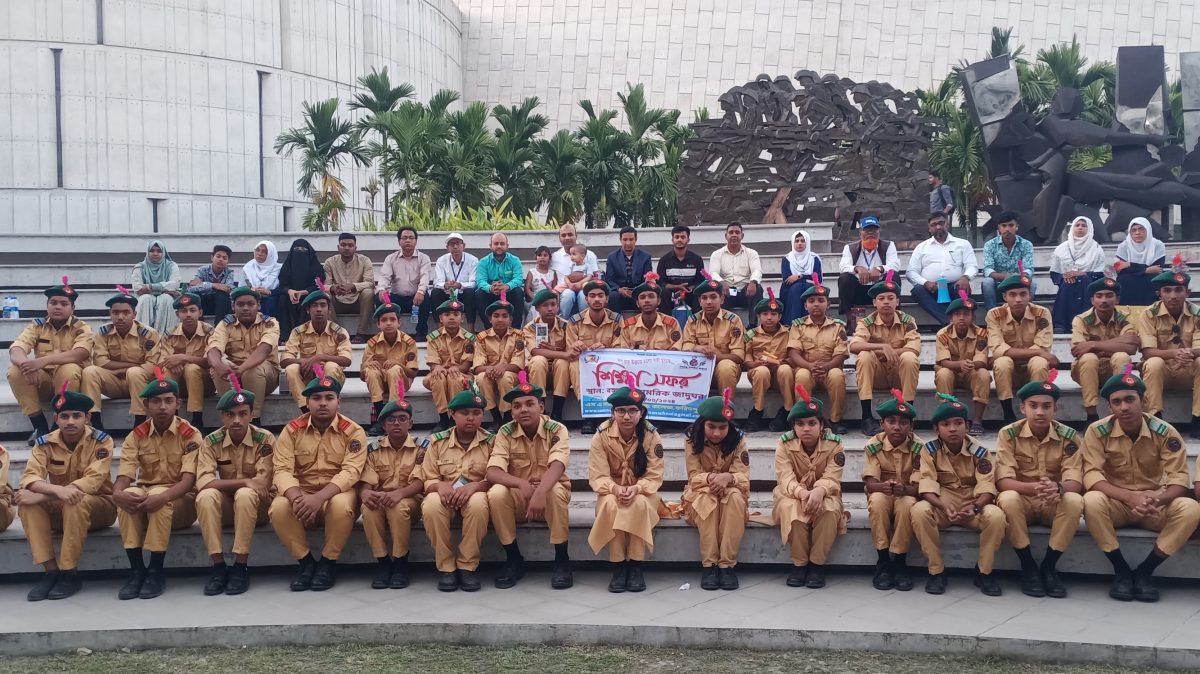
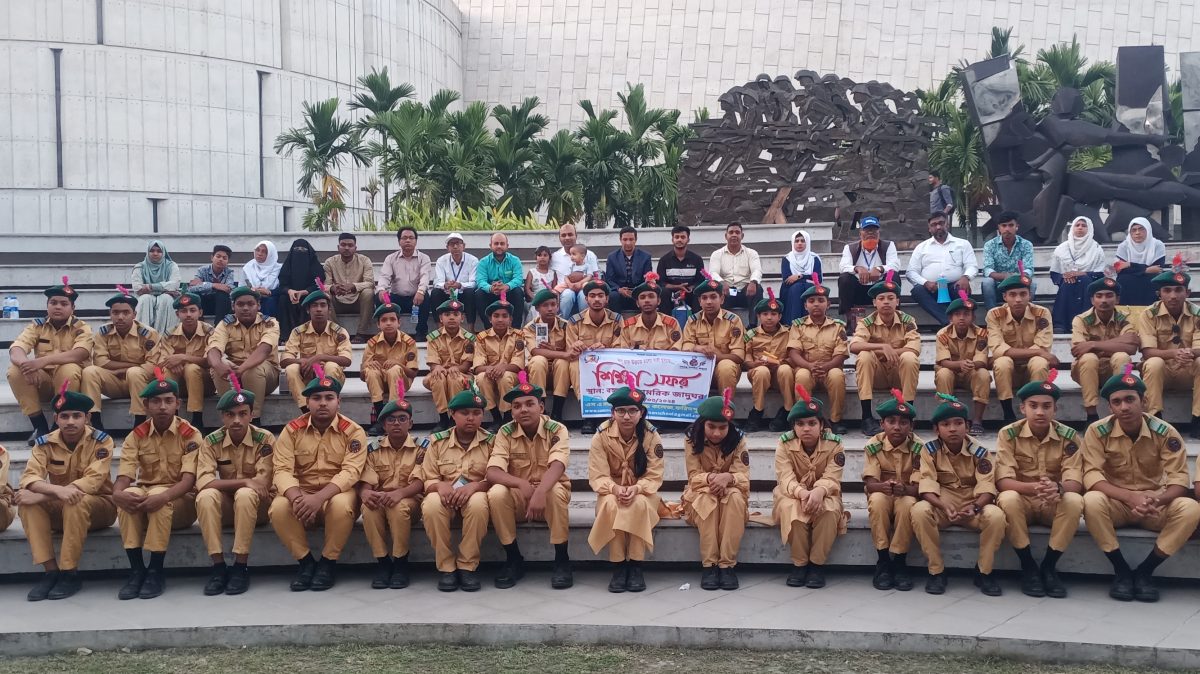
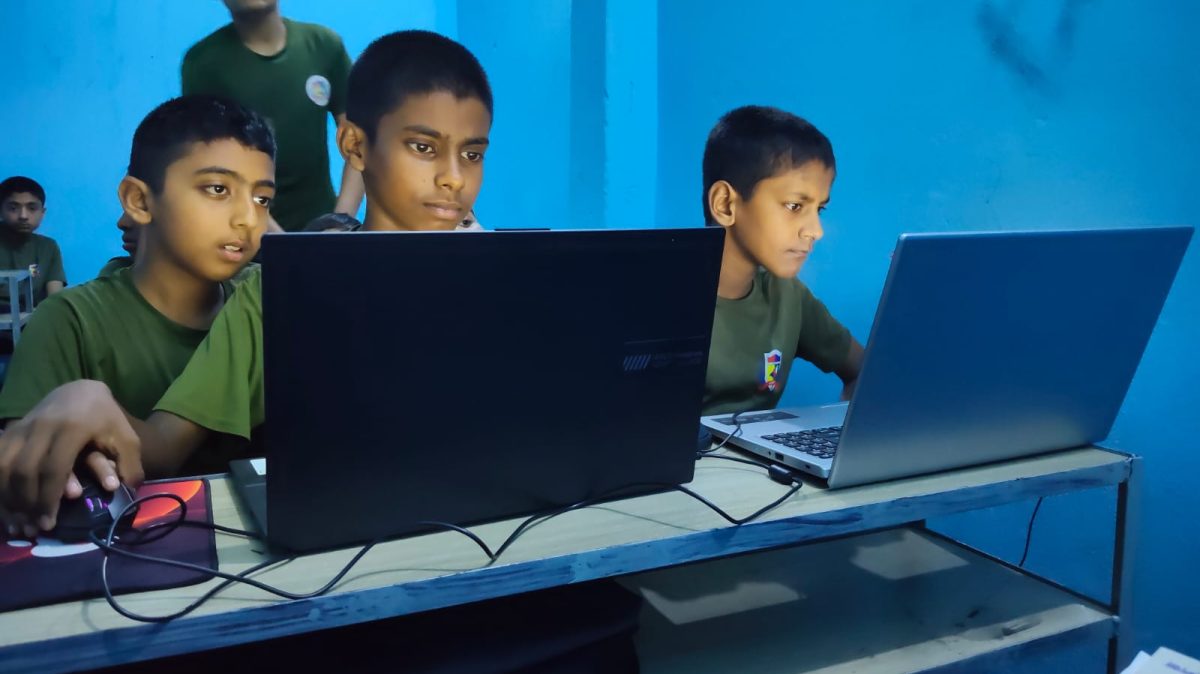



Latest News & Blog Section & Articles
Enable/disable news and blog carousel, customize section title, and publish new articles or delete existing ones.
Primary heading displayed above the blog carousel.
Word in title highlighted with secondary theme color (e.g. "News & Blog").
Short subtitle displayed below the news title.
Publish New Article / News (নতুন ব্লগ বা সংবাদ প্রকাশ করুন)
Published Articles & News (মোট: 2)
Click Edit on any article to modify or correct content| Cover | Title | Category | Summary | Date | Action |
|---|---|---|---|---|---|

|
Why Practical Project-Based Learning Outperforms Traditional Lectures | Academic Insights | Discover how experiential learning and capstone research projects dramatically b... | Sep 04, 2026 | |

|
Top 10 Emerging Career Opportunities in Artificial Intelligence for 2026 | Tech & Career | Explore the fastest growing domains in AI, prompt engineering, machine learning... | Sep 04, 2026 |
Funfact Counters ("We Are Always Ahead")
Enable/disable and fully customize the 4 animated counter items, numbers, labels, and icons.
Header and subtitle for the funfact counter area.
Configure icons, numbers, and labels for all 4 statistics boxes.
4 Quick Info Action Boxes Settings
Enable/disable the 4 colored callout boxes below the welcome section, and configure their titles and destination URLs.
First callout box with graduation cap icon.
Second callout box with laptop icon.
Third callout box with trophy icon.
Fourth callout box with phone receiver icon.
Hero Slider & Feature Cards Management
Enable/disable slider and 3 feature cards, change background photos, headlines, buttons, and colors.
Slide 1 (Main Hero Slide)
Active Slide 1 Current Photo
Slide 2 (Secondary Hero Slide)
Active Slide 2 Current Photo
Slide 3 (Optional 3rd Hero Slide)
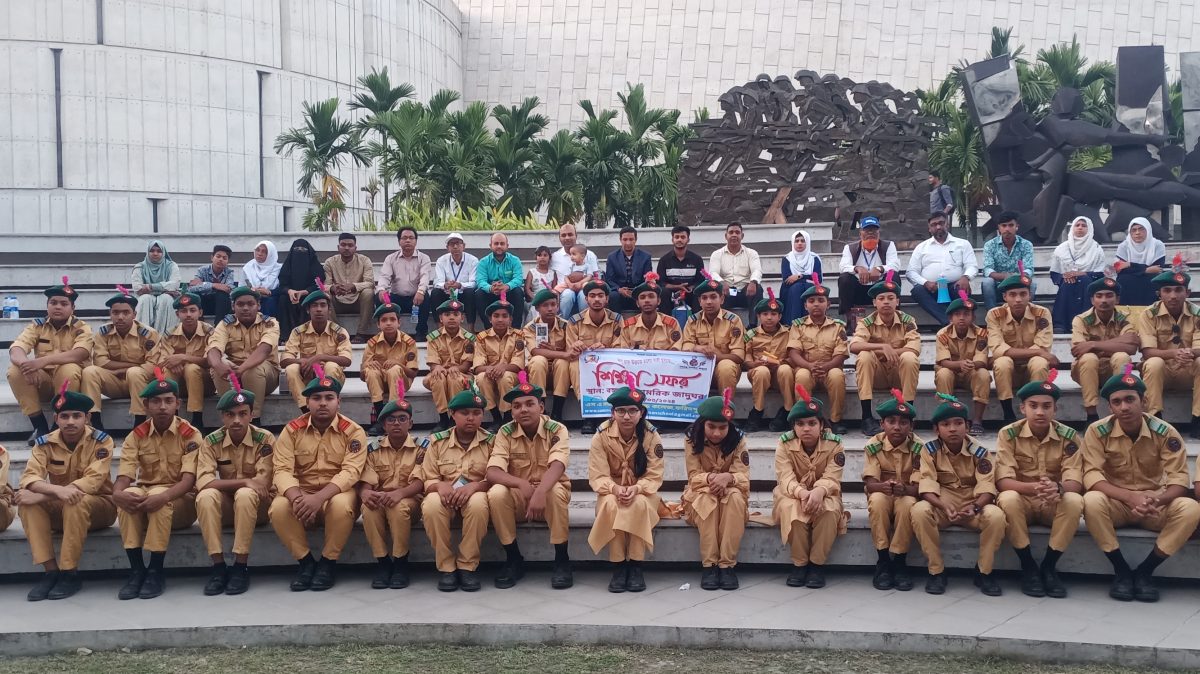 Current Photo
Slide 4 (4th Hero Slide)
 Current Photo
3 Feature Promo Cards (Equal Sizing, Dynamic Colors & Photos)
All 3 cards are dynamically sized with equal height. Customize background colors, background photos, borders, and icons for each card.
 Current Photo
Breaking Notice Marquee Ticker
Welcome Section & Quick Inquiry Form
Manage the main homepage welcome text, 3 mission highlights with circle photos, student center image, and Quick Inquiry form.
Welcome Headings & Color
3 Key Highlights / Mission Features
 Current Photo
 Current Photo
 Current Photo
Center Student Photo & Quick Inquiry Form Card
 Current Student Photo
Contact & Location Settings
Manage phone numbers, official email, and campus address.
Displayed on the topbar and footer contact widget.
Email used for inquiries and notifications.
Full physical campus address displayed in topbar and footer.
Displayed in footer and contact page.
Social Media Profiles
Link your official social media pages to the topbar and footer circular icon buttons.
অনলাইন ভর্তি ফি ও পেমেন্ট গেটওয়ে সেটিংস
ভর্তি ফরমের নির্ধারিত ফি, বিকাশ, নগদ, রকেট, উপায় ও ব্যাংক অ্যাকাউন্ট নম্বর এবং নির্দেশনা ডায়নামিক্যালি কনফিগার করুন।
শিক্ষার্থীরা অনলাইনে আবেদন করার সময় যে ফি প্রযোজ্য হবে (ডিফল্ট: 2025 টাকা)।
ভর্তি ফরমের ধাপ ৭ এ প্রদর্শিত পেমেন্ট নোটিশ বার্তা।
পেমেন্ট বিষয়ক যেকোনো সহায়তার জন্য যোগাযোগের নম্বর।
বিকাশ মোবাইল ব্যাংকিং নম্বর ও ধরন কনফিগার করুন।
নগদ মোবাইল ব্যাংকিং নম্বর ও ধরন কনফিগার করুন।
রকেট মোবাইল ব্যাংকিং নম্বর ও ধরন কনফিগার করুন।
উপায় মোবাইল ব্যাংকিং নম্বর কনফিগার করুন।
সরাসরি ব্যাংকে জমা দেওয়ার জন্য বিদ্যালয়ের প্রাতিষ্ঠানিক ব্যাংক অ্যাকাউন্ট তথ্য।